
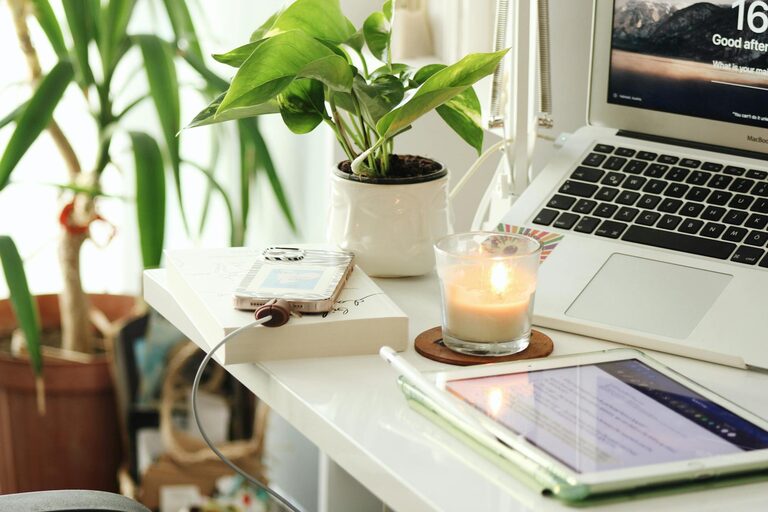
Creating a productive home office environment is key to making the most of your work-from-home experience. Whether you’re a remote employee, freelancer, or running a business from your living space, having a well-designed, comfortable workspace helps you stay focused and efficient. Here are some practical tips to help you craft a home office that supports your productivity and well-being.
Choose the Right Location
Your home office space sets the tone for your workday. If possible, pick a quiet spot away from household distractions. A separate room is ideal, but if that’s not available, look for a corner or nook where you can concentrate.
Consider natural light
Try to select a spot near a window. Natural daylight can boost your mood and energy levels. Position your desk so that sunlight doesn’t create glare on your computer screen.
Think about noise levels
If your home is usually bustling, noise-canceling headphones or a white noise machine can help minimize disruptions.
Invest in Ergonomic Furniture
Comfort plays a huge role in productivity. Sitting for extended periods in an uncomfortable chair can lead to back pain and fatigue, which reduces focus.
– Ergonomic chair: Choose a chair with adjustable height, lumbar support, and comfortable cushioning.
– Desk height: Your desk should allow your elbows to rest at about a 90-degree angle while typing.
– Standing desk option: Consider a sit-stand desk or a converter to alternate between sitting and standing.
Optimize Your Desk Setup
A clutter-free desk helps keep your mind clear. Organize your workspace with everything you need within easy reach.
– Use drawers or desk organizers to store supplies.
– Keep frequently used items like pens, Notepads, or a mouse close by.
– Set up monitors at eye level to avoid neck strain.
– Use cable organizers to reduce tangled cords.
Prioritize Good Lighting
Proper lighting reduces eye strain and boosts alertness.
– Combine natural light with adjustable artificial lighting.
– Use a desk lamp with soft, warm light for detailed tasks.
– Avoid harsh overhead lights or direct glare on screens.
Set Clear Boundaries and Routines
Working from home blurs the line between work and personal life. Establish habits that help keep your focus on work during designated hours.
– Set a consistent start and finish time each day.
– Use a dedicated workspace to mentally separate work from leisure.
– Communicate your schedule with family or housemates to minimize interruptions.
Use Technology to Stay Organized
Leverage digital tools that help you manage tasks and communication.
– Use a calendar app for scheduling meetings and deadlines.
– Try project management tools like Trello or Asana to keep track of your workload.
– Use noise-canceling headphones or focus apps that block distracting websites.
Add Personal Touches to Stay Motivated
Your workspace should inspire you to work. Adding a few personal items can make your home office feel inviting.
– Decorate with plants to improve air quality and add greenery.
– Hang artwork or photos that make you happy.
– Use inspirational quotes or vision boards to keep goals top of mind.
Take Regular Breaks and Move Around
Sitting for too long can decrease productivity and harm health.
– Follow the 20-20-20 rule: Every 20 minutes, look at something 20 feet away for 20 seconds.
– Stand up, stretch, or walk a few steps every hour.
– Consider quick exercises or yoga to release tension.
Maintain Cleanliness and Declutter Often
A tidy office reduces stress and keeps distractions low.
– Spend a few minutes at the end of each day tidying your desk.
– Throw away unnecessary papers or items regularly.
– Clean your keyboard, mouse, and screen to maintain hygiene.
Final Thoughts
Creating a productive home office is about balancing comfort, functionality, and motivation. Small investments in your workspace and routine can pay off in enhanced focus and improved work quality. Remember, your ideal home office will reflect your personal work style and needs, so feel free to experiment and make adjustments until it feels just right.
With these tips, you’re well on your way to a more productive and enjoyable work-from-home experience!